

Teams | Collaboration | Customer Service | Project Management

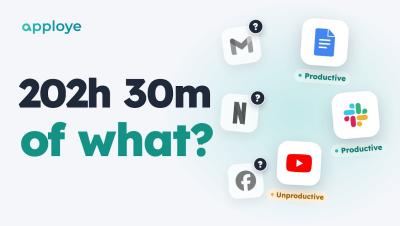
Apploye Activity Insights in 45 Seconds

Your team tracked 202 hours this week. But 202 hours of what? Apploye Activity Insights shows you — every app and website labelled productive, unproductive or neutral, in one report. In 45 seconds: Productive vs unproductive time for your whole team, and for each person Your rules: a level for the whole team, or an exception for one person Unusual Activity: catches mouse jigglers, auto clickers and input that wasn't real Coming soon: Advanced Notifications, the moment someone's late.
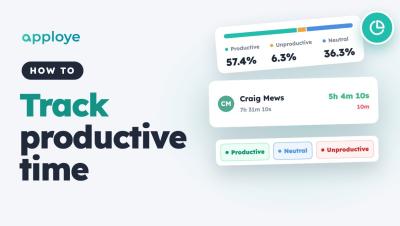
How to Track Productive and Unproductive Time in Apploye

Learn how to track productive and unproductive time in Apploye: open the Productivity report, see how each member's time splits into productive, unproductive and neutral, check every app and website they used, and set the rules — default levels, exceptions for one person, and your own apps.

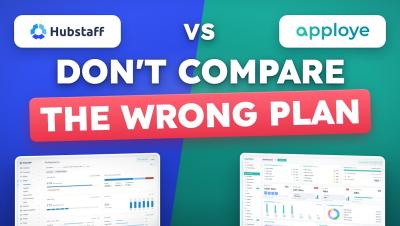
Hubstaff vs Apploye: 90% people choose wrong

For a 10-person team, Apploye costs $540 a year and Hubstaff Team costs $1,200. Count Apploye's free owner seat and Hubstaff's Insights add-on after its 90-day trial, and the gap is $1,014 a year. Here is Hubstaff vs Apploye side by side: pricing, the plan most people compare by mistake, daily use, and where Hubstaff is the better buy. Made by the Apploye team. We have tried to keep it fair: every Hubstaff price is from Hubstaff's own pricing page and support docs (linked below), and if you manage field teams that need GPS or geofencing, we tell you to buy Hubstaff.