
How to Review Employee Screenshots in Apploye
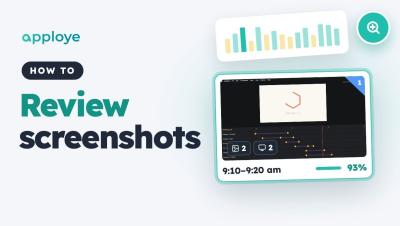
Learn how to review your team's screenshots in Apploye. Go to RemoteTrack → Screenshots to see everyone's day at a glance, filter by project, then open a member's timeline to check their activity, preview any ten minutes of work and open the full-size screenshot.