Teams | Collaboration | Customer Service | Project Management

28 Free Employee Schedule Templates (Excel, Word, Sheets, & Docs)

Get a jump start on creating schedules in Microsoft Excel, Google Sheets, Microsoft Word, or Google Docs with these 28 free employee work schedule templates. We’ve provided lots of options for different scheduling types — including monthly, weekly, and daily options — as well as options for scheduling employees by location, project, or position.


How to Make an Employee Schedule in Excel (+ Templates)

In this post, we’re going to walk you through an eight-step process for how to make a schedule for employees in Microsoft Excel. We’ll also share a few free Excel templates you can use to get started and highlight some of the benefits and disadvantages of using Excel for creating employee schedules. Related: You might also like our guides on how to make an employee schedule in Google Sheets and how to create an employee schedule in Google Calendar.

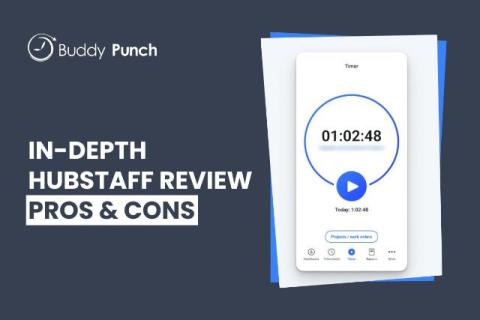
Hubstaff Review: Features, Pricing, and User Experience

Hubstaff is an employee time tracking app that offers every feature you could ever possibly want from your time tracking software. Naturally, you can use it to track employees’ hours. But you can also use it to see what apps and URLs employees visited while working, where they traveled while clocked in, and how often they were idle while billing time.