Teams | Collaboration | Customer Service | Project Management

New Templates in Miroverse: April 2026

In April 2026, our community published 140 new templates to Miroverse. Creators shared everything from participatory design frameworks and futurespective canvases to retrospective tools, UX research artifacts, and AI-powered workflows — with Miro Flows increasingly at the heart of how teams are accelerating their work. Below, you’ll find the top templates and Creators from April 2026, plus an AI workflow spotlight.

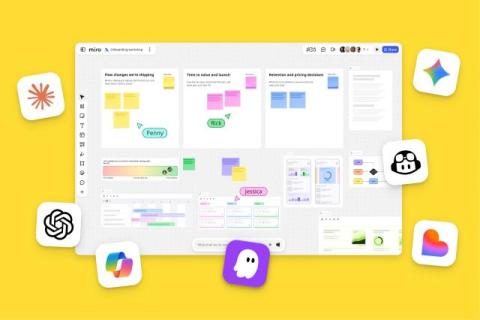
Canvas 26: Turning individual AI ambition into organization-wide impact

That’s a wrap on Canvas 26! Thousands of leaders, builders, and makers joined us in San Francisco and online to see what Miro’s shipping next. Building on last year’s launch of our AI platform, our Canvas 26 announcements address a problem most organizations are actively working through: AI is making people dramatically faster, but that speed isn’t compounding into impact at scale. Why?

Fix Messy Brainstorms in 60 Seconds with Miro AI

Sorting hundreds of sticky notes by hand is the old way. In this video, we show you how Miro AI clusters your entire brainstorm by keywords or sentiment in seconds, then transforms the results into a structured summary document and a trackable action table, all without leaving your board. From chaos to execution-ready plan in 60 seconds. Subscribe for more Miro AI tutorials.

Canvas 26: Teamwork AI-mplified

Join us for Canvas 26 — Miro's global event on collaborative AI for teams and leaders. AI makes everyone a builder. But building the right thing? That takes teams working together. At Canvas 26, learn from the organizations already bringing teams and AI together to solve complex problems — and leave with scalable workflows, actionable strategies, and the insights that actually change how work gets done.

Miro Flip Cards Tutorial - Create Interactive Reveals in Seconds

Static content loses audiences. Flip Cards in Miro turn presentations, workshops, and retrospectives into interactive experiences where participants engage instead of just watching. In this video, we show you how to add and customize Flip Cards, and walk through creative use cases from team icebreakers and retros to stakeholder feature reveals and learning materials. One click. One reveal. Way more engagement.

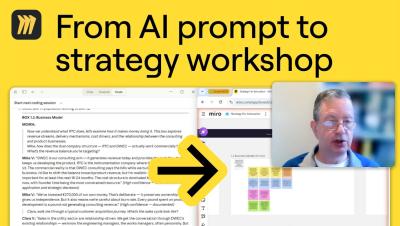
I Let an AI Audit My Product. It Found 33 Bugs.

33 design bugs. One AI prompt. Zero user tests. In this video, Mathias Davidsen: GM of Prototypes at Miro, walks through three AI workflows changing how products get built, validated, and shipped. Whether you're a product manager, designer, or engineer, this is how AI is starting to replace weeks of prototyping work in a single afternoon, without breaking your design system or losing user context. What's the worst usability bug an AI has caught in something you shipped? Drop it in the comments, we read every one.