Teams | Collaboration | Customer Service | Project Management

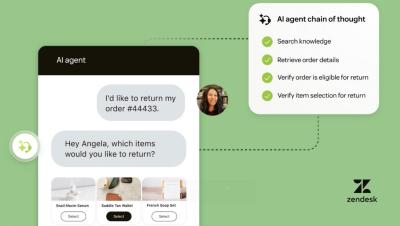
Meet Zendesk AI Agents: The most autonomous AI for customer service

Zendesk AI Agents aren’t just smart — they’re built to take action. Watch how the most autonomous AI agents for customer service resolve real issues, automate repetitive tasks, and deliver better experiences across every channel. Zendesk makes customer service better. We build software to meet customer needs, set your team up for success, and keep your business in sync.
5 steps to providing email support - Step 4 Building the customer experience

Grab a cup of coffee, sit back and enjoy the recap of our fourth episode in the “5 Steps to providing email support” series. On June 24 we focused on Step 4: Build the Customer Experience. With the expertise of our Customer Success team - Jonathan Gomez and Paddy Meleady - we explored how email remains an essential, trusted channel for customer support, even in today’s AI-driven world. Don't miss out and RSVP for our next delivery of this 5 steps series-Step 5: Final steps to go live.

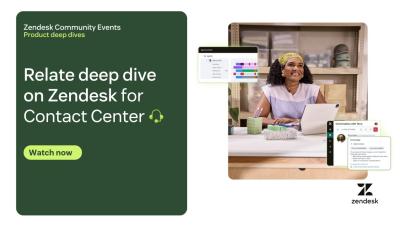
Relate Deep Dive on Zendesk for Contact Center

On June 16th, the Zendesk team hosted an engaging Deep Dive into Zendesk for Contact Center. Grab your favorite beverage, settle into a comfortable seat, and enjoy this insightful event where our experts showcased how Zendesk can elevate your omnichannel contact center with advanced features such as customizable IVR, real-time AI, unified inbound and outbound dialing, and granular security controls.

How Zendesk powers AI-driven support for customers and employees

Learn how Zendesk delivers resolutions at every stage of the customer and employee service experience. From intelligent automation to seamless case management, see our most powerful capabilities in action — including Copilot, AI Agents, Generative Search for the Help Center, omnichannel support, Voice, ADPP, Quality Assurance (QA), and Workforce Engagement Management (WEM). Whether you're looking to elevate efficiency or deliver more personalized support, this video highlights how Zendesk can transform your service operations, delivering quicker resolutions and better outcomes.

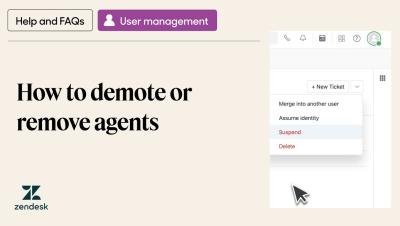
How to demote or remove agents

Learn how to correctly remove unwanted agents from your account. Follow these steps to properly reassign tickets and preserve ticket interactions from agents who are no longer part of your account. Where can I ask questions? Head to the Zendesk Community, our online discussion space where you can ask questions, post product feedback, share tips, and talk with other users worldwide, 24/7.

5 steps to provide email support - Step 1: Plan your setup

Kick off your journey to email support mastery with the first episode of Zendesk’s "5 Steps to Provide Email Support" series! In "Step 1: Plan Your Setup," learn how to build a solid foundation for smooth and effective email communication tailored to your business needs. Discover how to optimize resources, simplify support workflows, and deliver outstanding customer experiences. Don’t miss the live Q&A session to have your important questions answered! Perfect for teams aiming to improve efficiency, elevate customer satisfaction, and integrate email support seamlessly into their business strategy.

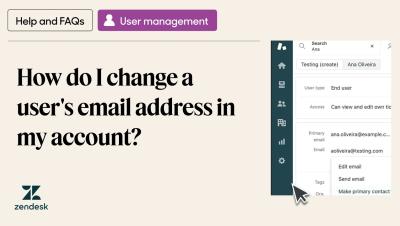
How do I change a user's email address in my account?

Learn how to change the primary email of a user in Zendesk Support. This tutorial will teach you how to find and update a user's primary email address. Where can I ask questions? Head to the Zendesk Community, our online discussion space where you can ask questions, post product feedback, share tips, and talk with other users worldwide, 24/7.

Zendesk tutorial: Step 4 - Assign tickets to your team

In this tutorial, we’ll walk you through setting up automated ticket assignments and share expert tips to optimize your Zendesk workflows. This feature ensures that tickets are assigned to the right agents, helping your team handle inquiries faster and more effectively. Manual or Automated – Choose the assignment method that fits your workflow Smart Views – Organize tickets for easier triage Auto-Routing – Use triggers to assign tickets based on keywords.