
Teams | Collaboration | Customer Service | Project Management

Create AI-Powered Sales Demos in Minutes with Claude + Miro

What if you could create personalized sales demos in minutes instead of spending an entire day preparing? With Claude AI and Miro, you can turn account research into tailored, interactive demos that speak directly to your customer's needs. In this video, discover how the Miro team built an AI-powered demo builder that brings together customer insights from Salesforce, Gong, Slack, and other sources into one account dossier. From there, Claude uses that context to create personalized demos in Miro, reflecting each customer's workflows, terminology, and existing tools.
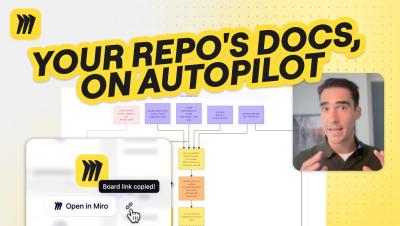
Claude + Miro: Automatically Visualize Changes in Your Repo

Want to keep your system architecture diagrams up to date without manually documenting every code change? In this tutorial, we'll show you how to use Claude scheduled tasks and Miro to automatically visualize changes to your GitHub repository. Learn how to set up a scheduled task that checks your repository for new pull requests, generates updated system architecture diagrams, and visualizes exactly what's been added or removed. You'll also see how Miro makes it easy to compare architecture snapshots, track changes with timestamps, and review proposed updates with your team.

Connect Discovery to Delivery with Miro + AI

Your customer insights, product requirements, and design decisions live across different tools. How do you bring them together to decide what to build and give engineering the context to move forward? In this demo, follow a mobile banking app refresh from product discovery to an interactive prototype and engineering handoff with Miro, Claude, and Cursor.

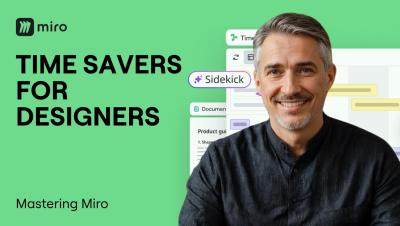
4 Miro AI Time-Savers Every Designer and UX Pro Should Know

Designers and UX pros spend too much time synthesizing research and mapping flows manually. In this video, we cover four AI-powered time-savers built for design workflows: summarizing user research instantly, turning insights into a structured repository with Miro Tables, visualizing user flows without drawing a single shape, and automating the entire research-to-direction process with Flows. From discovery to design direction. Without the busywork.

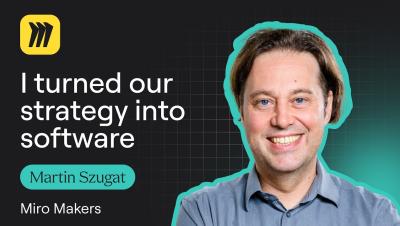
Martin Szugat Turned an AI Strategy Into Software with Miro

That place where company strategy decks go after everyone has finished presenting them? Martin Szugat calls it the “SharePoint graveyard.” As the founder of Datentreiber, a data and AI consultancy, Martin wanted to make strategy useful long after the presentation. So he built a workflow in Miro that takes a company strategy deck, extracts its objectives and key results, and turns them into prioritization criteria stakeholders can vote on.

Miro AI Features That Save Hours of Work

Miro AI is more than a chatbot. It lives directly on your canvas and can generate Flows, Sidekicks, Prototypes, Docs, Diagrams, Sticky Notes, Tables, Images, and Mind Maps from simple prompts. In this video, we walk through every Miro AI capability so you know exactly what to reach for and when, whether you are running a sprint planning session, turning customer interviews into briefs, or generating an interactive prototype from a sticky note.

AI Enablement in the Wild: Idea to Dev-Ready Story

Most "AI transformation" conversations stop at strategy. The harder problem is what actually changes in how a team works day to day. In this episode of Miro Reframe, Josh Guice — Principal Architect at Liatrio — shares a year of real field notes from AI enablement engagements: watching product managers shape ideas before engineering ever sees them, replacing slide-deck training with pairing and teach-back, and learning that no workflow sticks unless the team structure around it changes too.

Inside One Founder's AI Product Copilot, Built on Miro MCP

Leandro Barreto didn't set out to build a company. He set out to help his son. As a solo founder, Leandro built Epilog, an epilepsy tracking app, almost entirely with Miro as his AI product copilot. He started with sticky notes and a rough idea on a Miro board, then connected Miro MCP directly to his IDE so his AI coding assistant could pull the data model straight off the board. From there, the same AI reviewed the architecture like a solution architect, caught duplicated data and missing entities, and turned the fixes into a 22-item project roadmap.

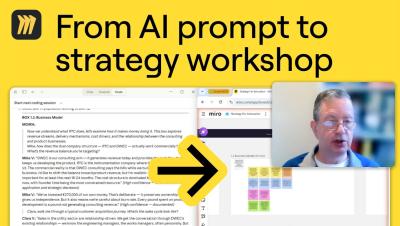
Claude + Miro MCP in Action: AI-Run Strategy Workshops

David Balkind runs strategy workshops without booking a room full of people. As a Specialist Innovation Advisor, David built what he calls a Strategy Café Engine — a setup where Claude, connected directly to his Miro board through MCP, runs full multi-session strategy workshops. Claude plays the facilitator (David calls it MOIRA), works through a structured innovation canvas box by box, and models different stakeholder perspectives — founder, funder, customer — to pressure-test the strategy from every angle. David checks in at key checkpoints while the canvas builds itself live on the board.

Turn PRDs into Prototypes in Minutes with Miro AI

Wireframing from scratch is the slow way. In this video, we walk through the PRD to Prototypes template in Miro, showing you how to paste your product requirements document, add an optional style reference, and let Miro AI generate a fully clickable mobile prototype in minutes. We also show you how to extend it into a desktop version and iterate until you have exactly what you need. From requirements to interactive prototype without the hours of manual layout work.