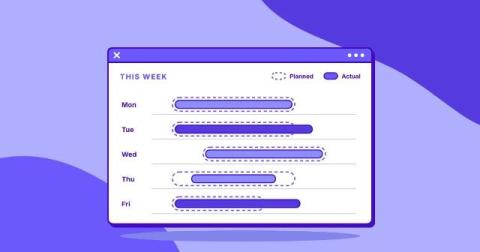
Scheduling plans shifts and coverage; time tracking records actual hours worked. See what each solves, where they overlap, and which your team needs most.
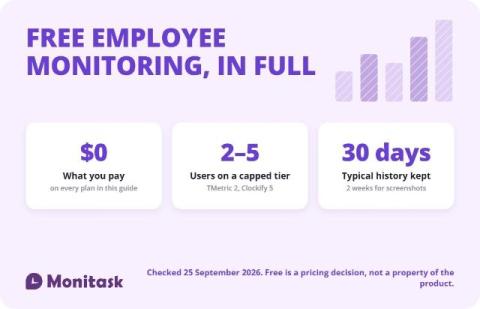
Free employee monitoring software exists, but almost every plan is capped somewhere: at 2 to 5 users, at 30 days of data, or at the features that make monitoring useful. Only a few tools are genuinely unlimited, and those trade the user cap for self-hosting or a narrower feature set. Check the cap, the retention window and the export path before you install anything.
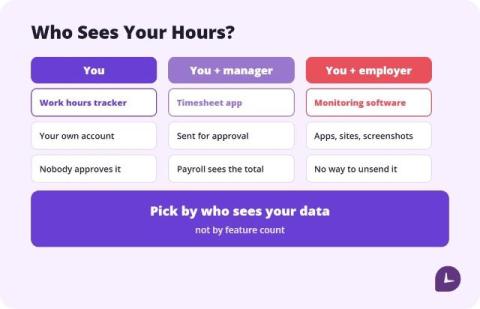
HoursTracker and Work Log are the best apps to track work hours for most hourly employees, because both calculate pay, handle overtime, and work without a manager account. Toggl Track is the best free option if you want a clean cross-platform timer without ads. Clockify is the best choice when your whole team needs to log hours. Pick by who sees your data, not by feature count. Most “best time tracking app” lists are written for the person who signs the invoice.
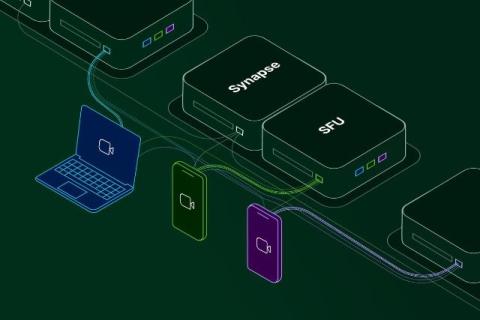
MatrixRTC has landed and Element Call takes off! All good things come to those who wait! MatrixRTC is finally here: the world’s first decentralised, end-to-end encrypted (E2EE), multiparty VoIP protocol. For messaging, decentralisation is a strength. Messages get through even when servers drop offline or networks split, and everything syncs when they reconnect. Voice and video also need low latency, though: a word that arrives two seconds late is no use to anyone.
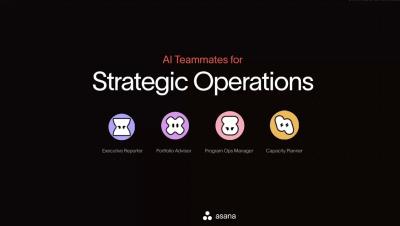
Meet the AI Teammates built for Strategic Operations in Asana. See how the Executive Reporter turns account data into leadership-ready updates, the Portfolio Advisor flags risks before they become problems, the Program Ops Manager keeps PMO intake moving, and the Capacity Planner balances your team's workload — all learning and improving as they collaborate with your team. Key moments.
Learn the basics of Asana Dash and explore how it can answer your questions, help you draft status updates and summaries, and even take action like building out projects and scheduling meetings, all personalized and private to you. Try Dash today to move your work forward. Key moments.
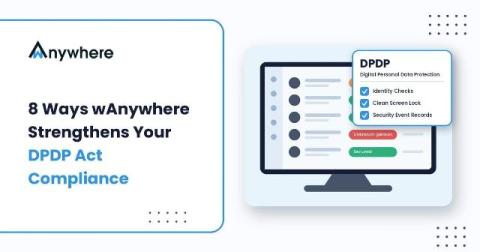
Protecting personal data in the modern workplace requires more than a privacy policy. It requires visibility, security controls, accountability, and consistent operational practices. As organizations embrace digital transformation, remote work, hybrid operations, and large-scale outsourcing, personal data is processed across an increasingly complex ecosystem of employees, systems, devices, service providers, and business applications.
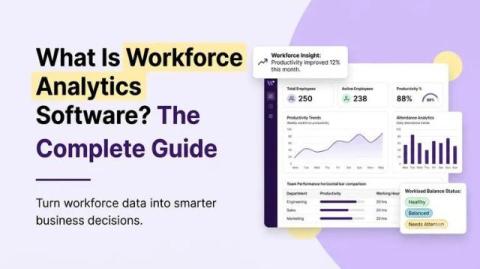
Workforce analytics software explained: what it measures, how it differs from HR reporting, real examples, and how to choose a platform for your team. Free 7-Day Trial 15 mins Setup No Credit-card Top Rated Platform Voted as Highest Rated Employee Monitoring Software in the World by G2 Summarize With AI Workforce analytics software collects work data, like hours worked and task activity, and turns it into reports. The reports show how your team spends its time.
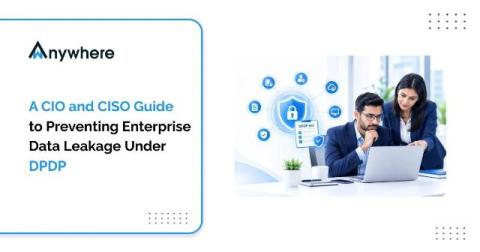
Ten years ago, sensitive data left an enterprise through email attachments, file shares and the occasional USB drive. Today most of it leaves through a browser tab. Customer records live in SaaS CRMs, ticketing tools and banking portals, and the routes out of those apps are a paste into a personal chat window, an upload to personal storage, a screenshot or a prompt typed into a public AI assistant.