Learn how to create and assign tasks in Asana, and collaborate seamlessly with your team. Key Moments For more information on how to use Asana tasks, explore our Help Center.
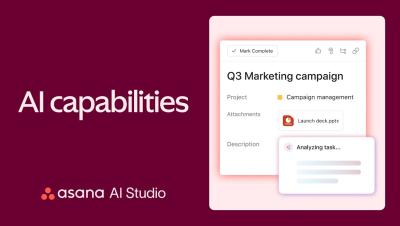
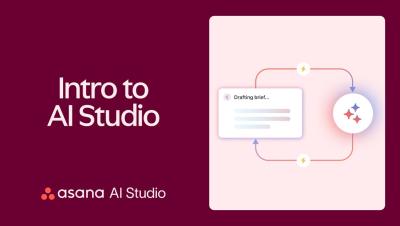
Asana AI has joined the team to help you manage projects more effectively. In this video, learn how to use Asana AI through a product launch project example. Key Moments For more information on how to use Asana AI, explore our Help Center.
Welcome to the October edition of What’s new in Asana. First, create and edit portfolio rules to curate, maintain, and share large portfolios with the right stakeholders. Next, view a list of all projects created from a project template in the management dashboard. Finally, filter capacity plans by custom fields, project status, and dates to manage projects more efficiently and stay on top of your team’s workload.
Welcome to the September edition of What’s new in Asana. First, copy charts from dashboards and paste them into external applications for presentations and documents. Next, archive inactive portfolios to maintain a focused view of current work while still retaining access to historical records. Finally, use AI chat to quickly and easily follow up on and add comments to multiple tasks. For a full list of what’s new this month, check out our Release Notes in the Asana Help Center.
Welcome to Asana. Let's get you started in just a few minutes. Everything starts with a project. Create one from scratch, use a premade template, or import an existing spreadsheet. With your project created, it's time to add tasks. The actionable, bite-sized pieces of work needed to get your project done. Give every task an assignee and due date so it's clear who's doing what by when.
Asana is the only work management platform that connects all of your team's work. From big goals, down to the day-to-day tasks needed to achieve them. Everything starts with projects and tasks. Whether you're launching a product, handling work requests, or managing a marketing campaign, Each initiative lives within a project. Projects are made up of tasks. Actionable, bite-sized pieces of work. Assign tasks to team members and set due dates to keep everything on track.