Teams | Collaboration | Customer Service | Project Management

Collaborating To Help Teams Work Better In The Modern Workplace


Agility in Action: Building an Agile Support Team
On Thursday, October 7th, we invited experts from our Customer Service team to share the journey on how to create and manage your own agent team to lead them to drive success for your customers.

Jira Align Blueprint - How to Prioritize Work
Atlassian’s Agile at Scale Solution Blueprints are manuals that connect best-of-breed scaled agile concepts to the tactical how-to details of implementing those concepts with Atlassian’s agile products. In this video we explore how to prioritize work, manage the feature backlog, and ensure organizational alignment so that teams know they are working on the most important things.

Cross-functional Team Plan template | MURAL + Confluence | Atlassian
Want to spend more time getting sh*t done? The Cross-functional Team Plan template makes it easy. Run this Confluence + MURAL exercise with distributed team members anywhere in the world.
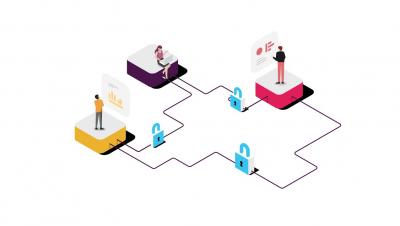
An admin's guide to managing Slack Connect
Slack Connect speeds up communication with outside organizations by giving you a secure place to collaborate alongside your trusted partners, vendors, and customers. Learn how Slack Connect works, the controls that you have available as an admin, and how Slack Connect meets your security and compliance needs.

Welcome to Courier
Welcome to Courier. We like put your engineers first, so we have designed a reliable, customizable, and cost-efficient notification system that only takes minutes to integrate into your product. To get started, head over to your Courier app and create your account. The onboarding process will walk you through creating and sending your first notification. You can use the application to build, send, automate, and monitor the status of all of your outbound messages.
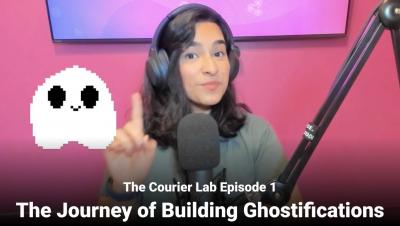
The Courier Lab Episode 1 - The Journey of Building Ghostifications V1
Welcome to The Courier Lab, where we demonstrate how Courier works, highlight our favorite community projects, and talk about all things notifications with host @ShreyTheCray. The topic of this episode is "The Journey to Building Ghostifications," including the basics of communication, intro to using the Courier API, and a demo of how to build the Ghostifications project.

Simpplr - The Modern Intranet Software in 1 Minute
Keeping employees connected and engaged within an organization is complex. And with people working across multiple locations, it gets even worse. It should be simpler, and now it is… Discover Simpplr, the modern intranet software that connects people, creates conversations, answers questions, shares ideas, and finds information on any device, form anywhere. Hear about company news, events, policies, and more, it’s all in one place. Simpplr is purpose-built to help your employees collaborate across departments and stay connected to the broader organization.
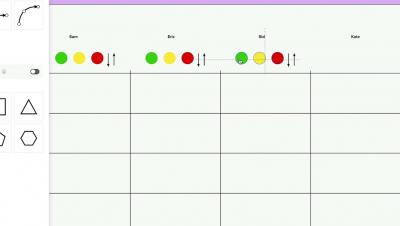
How to run a team health check | Confluence + MURAL | Atlassian
How is your team cookin’? Did you know that 67% of high achieving teams engage in candid feedback. Run this Confluence + MURAL play to identify your team’s strengths and challenges. This How-to video includes: Spotify health monitor How to set up a MURAL board Demo of filling out board Adding and sharing in Confluence