Teams | Collaboration | Customer Service | Project Management

The latest News and Information on Project Management, Methodologies, Productivity and Tools.

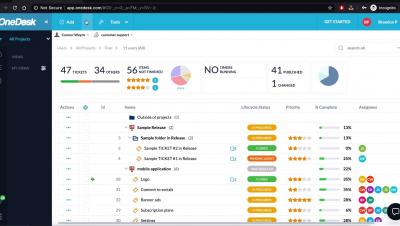
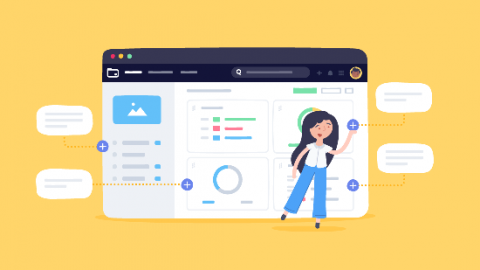
4 data points to watch from your project management software

Business is a battle, and the companies that best optimize their resources tend to win. But without a clear look at project-level data, it’s impossible to distribute those resources well. The right project management software shows you how and where your resources are spent. Organizing, executing, and analyzing projects is a lot easier when you can find it all on a single platform.

How to Asana: Find anything with advanced search

Find anything with advanced search | Asana tutorial Search in Asana is as simple as typing into the search bar in the top bar. Refine search criteria and start creating reports with advanced search. You can search anything from completion date and assignee to custom fields and task creator (and more.) You’ll get a list of tasks, projects, and conversations that match your criteria.

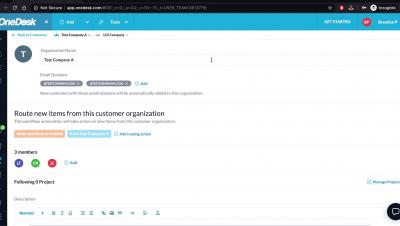
OneDesk - Setting up Multiple Domains for Customer Organizations

Learn how you can add multiple domains for customer organizations in OneDesk so that customer record is automatically added to the specific organization. OneDesk combines Help Desk & Project Management software into a single application. OneDesk also includes customer-facing applications: real-time chat, customizable webforms, and a customer portal. These integrated applications allow you to serve your customers while conveniently working on your projects in one platform.

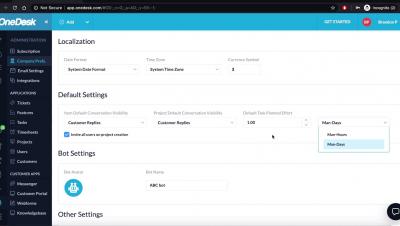
OneDesk - How to Make Adjustments to your Company Preferences

Learn how you can add your company name, logo, working hours and more through OneDesk Company Preferences. OneDesk combines Help Desk & Project Management software into a single application. OneDesk also includes customer-facing applications: real-time chat, customizable webforms, and a customer portal. These integrated applications allow you to serve your customers while conveniently working on your projects in one platform.

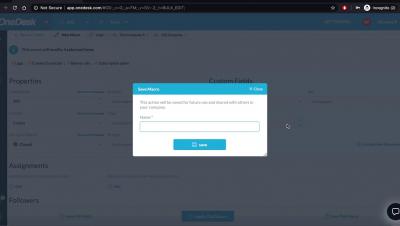
OneDesk - How to Make Changes to Bulk Items

Learn how to make modifications to multiple items in OneDesk OneDesk combines Help Desk & Project Management software into a single application. OneDesk also includes customer-facing applications: real-time chat, customizable webforms, and a customer portal. These integrated applications allow you to serve your customers while conveniently working on your projects in one platform.

OneDesk - User and Teams

Learn how you can organize your users into specific teams in OneDesk OneDesk combines Help Desk & Project Management software into a single application. OneDesk also includes customer-facing applications: real-time chat, customizable webforms, and a customer portal. These integrated applications allow you to serve your customers while conveniently working on your projects in one platform.

Five prioritization frameworks to help you make smarter product decisions

Product managers and prioritization frameworks go hand-in-hand like rice and beans, peanut butter and jelly, or bread and butter. We could go on with the food metaphors, but we think you get our drift: prioritization is a top concern for PMs. Whether it’s feedback, requests, or new opportunities, the backlog is a repository for everything you could be doing. But the age-old question persists: What should we be doing?