Choosing between cloud and on-premises time tracking? Compare cost, security, data residency, and IT capacity to find the deployment that fits your team.
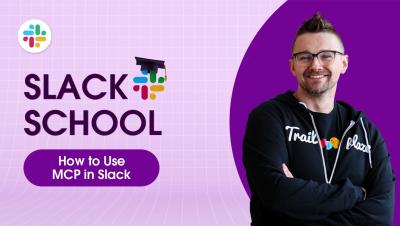
Hearing a lot about MCP (Model Context Protocol), but still wondering what it actually does? We’ve got you covered. In this episode, we’ll break down MCP showing you how it compares to standard APIs, how an AI agent uses an MCP server to connect all the tools you rely on, and how it all comes together to get real work done in Slack. Class dismissed!
Miro AI is more than a chatbot. It lives directly on your canvas and can generate Flows, Sidekicks, Prototypes, Docs, Diagrams, Sticky Notes, Tables, Images, and Mind Maps from simple prompts. In this video, we walk through every Miro AI capability so you know exactly what to reach for and when, whether you are running a sprint planning session, turning customer interviews into briefs, or generating an interactive prototype from a sticky note.
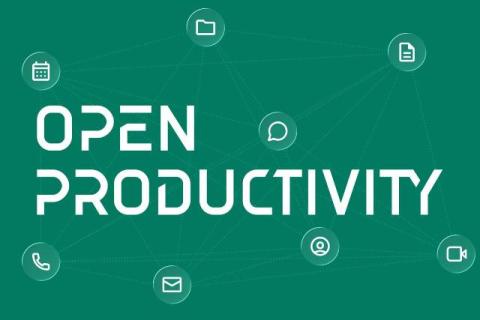
Six of the vendors behind openDesk, including Element, have formed Open Productivity: a joint venture that brings the sovereign digital workplace to businesses and critical infrastructure operators. openDesk was created for German public administration. It brings together established open source applications for documents, email, calendars, file sharing, knowledge management and secure real-time communications into a single sovereign workplace suite.
A due diligence project is a structured review of a company, vendor, or partner before a major decision. Teams organize this background research at scale by doing four things: agreeing on scope first, splitting the work into owned workstreams, storing every piece of evidence in one consistent structure, and tracking risks and open questions in a shared workspace instead of scattered emails.
Your delivery team looks fully loaded. Timesheets come in complete. Projects are running. Nobody is sitting idle. Then the month closes, and the margin on a client project lands below plan. Nothing obvious went wrong. The team worked hard. The client got the work. Still, the numbers do not match the effort. This happens because a full day and a billable day are two different things.
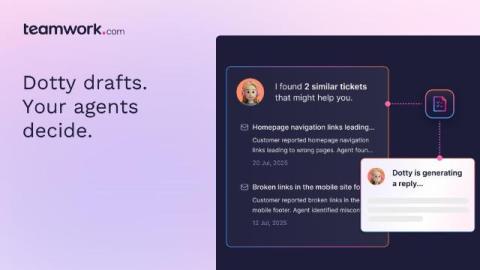
Every ticket your team closes today makes the next one a little easier. That's not a metaphor, it's literally how Dotty works. Dotty is the AI Teammate built into Teamwork Desk. It drafts replies from your help docs and resolved tickets, surfaces the ticket that already solved this exact problem, and summarizes hand-offs so context isn't lost. Your agents review and send: nothing goes out untouched. But the real story isn't any one of those skills. It's what they're building together.