The latest News and Information on Project Management, Methodologies, Productivity and Tools.
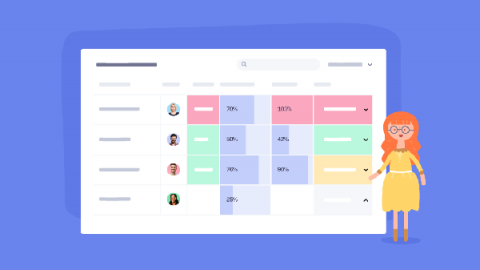
As we continue our focus on enhancing the reporting functionality throughout Teamwork this quarter, we’re delighted to introduce the first of three Planned vs Actual Reports — the Planned vs Actual Milestones Report. The aim of this new report is to give you an understanding of the actual status of your Milestones by comparing the original due dates with your current due or completed dates. With this view, you can quickly identify how a project is performing against your plan.
Whether you’re onboarding a new tool within an organization or using an existing tool, it’s critical for your team to get the maximum use out of it. However, it’s just as important to ensure your team is using it as effectively and efficiently as possible. We know that many project management tools can be limited in their functionality and others may be too feature-heavy and it can be a little unclear on where to focus within the product to gain the most value.
At Teamwork we understand that not all our customers want the exact same project navigation tab. This is especially true when you take into account the hundreds of thousands of users from varying industries that are within Teamwork everyday. But it’s clear to us that the ideal project setup–not only for each customer but each unique project–could be very different.
Searching for great virtual management software? Managing a virtual environment is not easy. For starters, you need to monitor things like resource distribution, security, and backup. And without a dedicated platform, it can be challenging to know the current status of any virtual machine on your network. That’s why you need virtual management tools. But with hundreds of apps out there, which one should you choose?