

Teams | Collaboration | Customer Service | Project Management

How to reserve and manage resources for pipeline projects

To be clear from the outset: this guide is about reserving people and time for probable client work, not building oil and gas pipelines. If you plan projects for a living, "pipeline" means the deals moving toward a yes, and the work you'll have to staff the moment one lands. According to Teamwork.com's own product data, only 42% of expected work is mapped to a plan before it's confirmed, which leaves a lot of resourcing to guesswork.


With "Plan my week," AI Teammates just took weekly planning off your plate

Monday morning shows up, your calendar's already full of meetings, and your to-do list is quickly turning into a novel. You know what needs doing, but what you don't have is fifteen free minutes to figure out when. That's the gap our AI Teammate, Scout, just stepped in to fill. Meet Plan my week, Scout's newest job and the fastest way to turn a pile of tasks into an actual, workable schedule.

HR Helpdesk Automation Guide 2026: Benefits, Use Cases & Top Tools

HR helpdesk automation is the use of AI agents, workflow automation, and self-service tools to resolve employee HR queries — leave balances, payroll status, benefits questions, policy lookups — without manual intervention from an HR team member. Instead of employees emailing HR or waiting in a ticket queue, automated systems route, answer, or fully resolve requests through chat, a self-service portal, or integrations with HRIS and payroll systems.

How to forecast project profitability before work starts

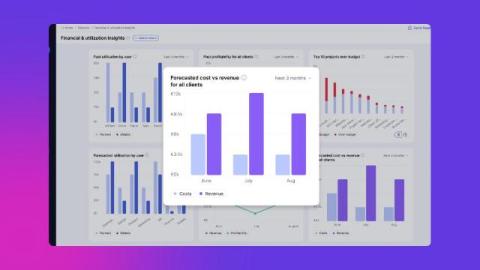
There's a Reddit thread that's currently ranking for this exact topic, and the whole premise is that project profitability is "basically a guess." I get why people feel that way. But forecasting profit before you start isn't fortune-telling, it's a repeatable calculation you can run on any project in about an hour. This guide walks through the five-step method I used in my agency days to predict a project's margin before a single hour is logged.

7 best software for tracking project profitability (2026)

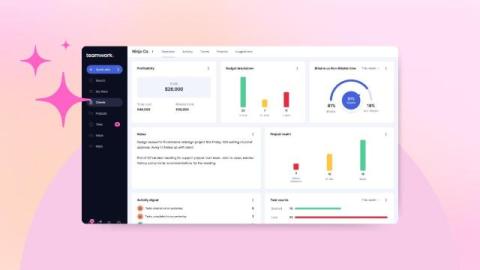
Before I joined Teamwork.com, I directed client accounts at agencies, and the most uncomfortable meeting of every month was the profitability review. We'd pull time out of one tool, costs out of another, and rates out of a spreadsheet someone updated when they remembered to. By the time the numbers lined up, the project was already over, and so was any chance to fix it. That's the real problem with most "profitability tracking." It tells you what happened after you can't do anything about it.

A Manager's Guide to Diagnosing Low Team Productivity

When output drops, most managers reach for the wrong tool: assumption. "People aren't focused." "They're doing too much at home." "This person is slacking." These guesses feel like answers, but they're really just hunches dressed up as diagnosis - and acting on the wrong one makes things worse. You crack down on a team that's actually drowning in process, or you add headcount to a team whose real problem is a broken handoff.

Best Microsoft Copilot Alternatives for IT and HR Teams in 2026

Ask most IT and HR leaders why IT and HR need different AI tools than Copilot, and the answer comes down to how a request actually ends. IT requests resolve in an action. HR requests resolve in a lookup or a handoff. Copilot, built as a single AI layer inside Microsoft 365, treats both as the same kind of task — a question to answer — and that's where it starts to fall short for support teams specifically.

How IT Services Teams Track Time: Insights from 84M+ Hours Logged

Time Tracking sounds simple: But in reality, every IT service team tracks time differently based on how their teams work. A small agency tracks time differently from a large enterprise. A field team works differently from a remote software team. But every business is trying to answer the same question: Where does the time go? And how does it affect productivity, delivery & profits?

How Bluetooth and USB Detection and Prevention Helps Organizations Strengthen Endpoint Security

In today’s digital workplace, employees connect USB drives, external hard disks, Bluetooth headsets, and other removable peripherals to their workstations multiple times a day. This kind of convenience keeps work moving. But it also opens a door that many organizations never think to lock. A single unchecked connection can turn a routine task into a serious security incident. Most IT teams only realize the gap exists after something has already gone wrong.