The latest News and Information on Project Management, Methodologies, Productivity and Tools.
In the 2020 edition of PMI’s Pulse of the Profession, one of the top three factors that executive leaders attributed to project success was investing in the right technology (32%). However, what’s the right technology for you? This can vary based on your industry, role, type of organization, and nature of work. But the one factor that wins uncontested is the ability of a tool to be adopted by people. In other words, how easily can software be adopted or implemented by your organization?
There’s a wide variety of ways to view all of the endeavors your organization is working on, but viewing all of the work within your company’s wingspan can be quite daunting, and perhaps even meaningless, as it lacks the context and actionability of how your initiatives unfold on a day-to-day basis. Clustering your projects into Portfolios will help your company’s leadership contextualize your efforts, as well as sharpen the focus of those tasks with carrying out the daily driving.
When I first joined Miro, less than a year ago, we had 3 million users and around 300 employees. A lot has changed since then. We have since grown to approximately 15 million users and 700 employees, making Miro one of the fastest-growing B2B startups in history. With such hyper-growth, there’s an ever-growing need to scale the way we do product. In this article, I’ll walk through the approach that I introduced at Miro a while ago and is currently at the heart of our product strategy.
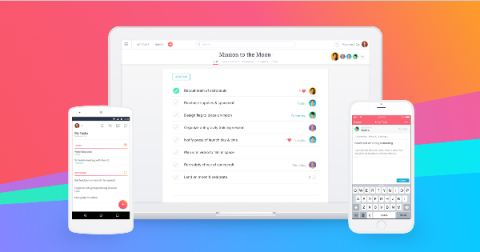
At Asana we’re big on knowing who’s doing what by when—and that includes knowing when your own tasks are due. That’s why we created My Tasks—your one-stop-shop for viewing all of the work assigned to you in one central place. Whether you’re new to Asana or an Asana power user, My Tasks is the best way to make sure none of your work falls through the cracks. View your tasks in List, Calendar, or Board View, and create custom sections to make My Tasks work for you.